Automate Shopify Orders with Claude and Merch Factory
Many Shopify brands want fulfilment to run itself. There are two ways to get there with Merch Factory, and they work well together. This guide explains which one to use for what, and walks through a cautious way to let Claude handle the repetitive part.
Two routes, different jobs
The Shopify integration
Installs from the Shopify App Store. Orders arrive in your Channel Orders, you place them with one click, and tracking, delivery and return status are sent back to Shopify automatically.
Use it for the plumbing: syncing orders, stock and tracking.
The Claude connector
Lets Claude read your Merch Factory data, create saved products from artwork links and prepare or place orders inside your limits.
Use it for the judgement: checking, matching and preparing orders in plain language.
The Claude connector does not push tracking back into Shopify on its own. Keep the Shopify integration installed for that, and use Claude on top.
What you need
1. The Merch Factory connector added to Claude (see the setup guide).
2. A way for Claude to read your store orders, for example a store connector in your Claude workspace. Claude can only work with what you give it access to.
3. Saved products in Merch Factory for what you sell, so an order line can be matched to a product, colour and size.
A cautious workflow
1. Read the order. Ask Claude to read a paid Shopify order: items, sizes, quantity and delivery details.
2. Match the products. Claude lists your saved products and matches each Shopify line to one. If something does not match, it should ask you, not guess.
3. Get a courier quote. Claude asks Merch Factory for live courier prices for the customer's pincode, for prepaid or cash on delivery as the order requires.
4. Create the draft. Claude creates a draft using the Shopify order number as the reference. Merch Factory re-checks stock and designs, takes the courier price from its own quote and refuses to create the same order twice.
5. Place it. You review the draft on your Claude page and place it, or, once you trust the process, let Claude place it inside your limits.
What it looks like with a connected Shopify store
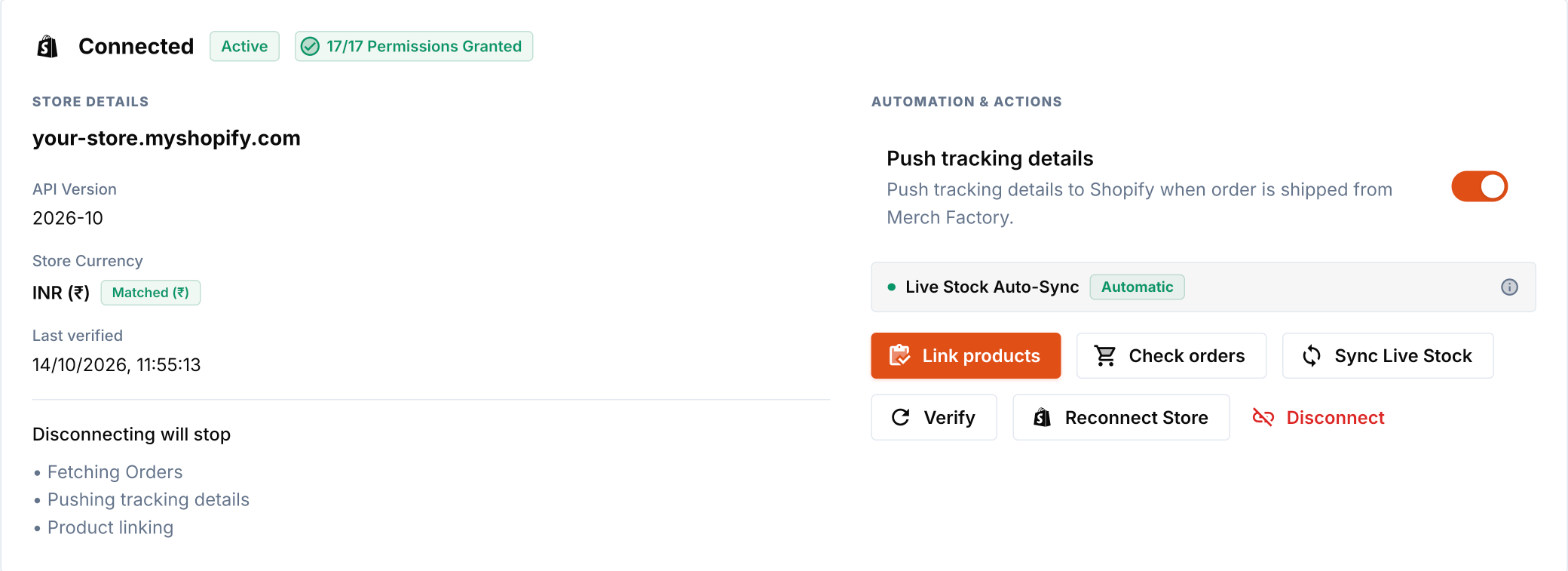
1. Connect the store to Merch Factory. Under Integrations, Shopify Store shows the connected store. Check that Push tracking details is on.
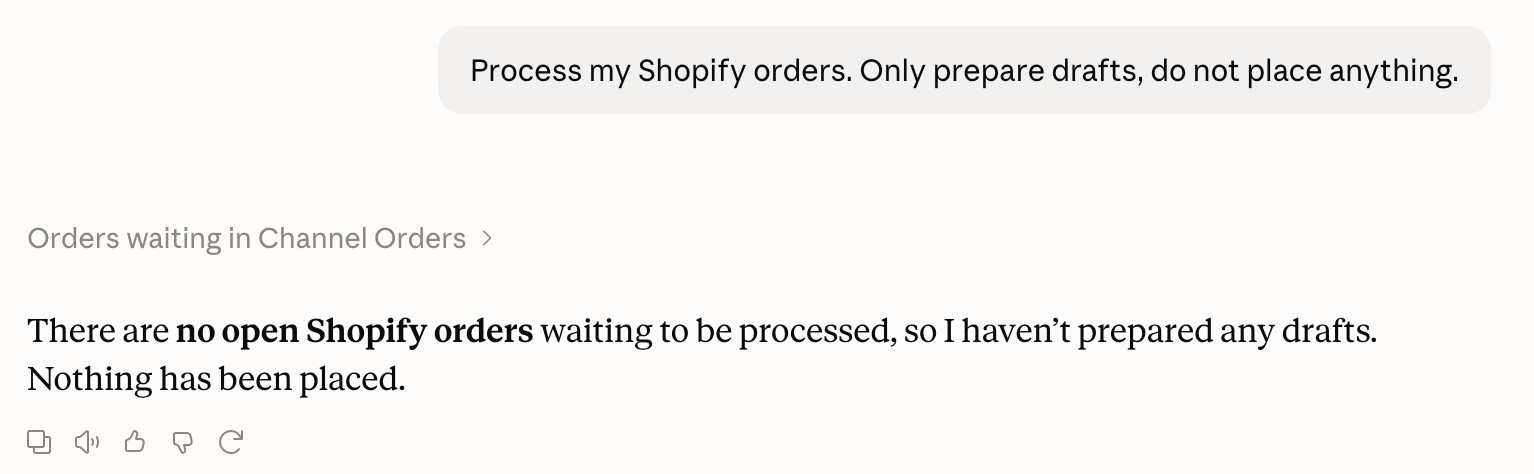
2. Ask Claude. Say “Process my Shopify orders”. Claude reads Channel Orders, skips anything already placed, shipped or cancelled, and prepares a draft for each order that is still open. If nothing is open it tells you so and does nothing:
3. Check it in Merch Factory. A placed order shows PLACED on Channel Orders (shown in step 6 of the setup guide). Orders Claude was unsure about stay as drafts under Integrations → Claude, with a yellow “Check before placing” label.
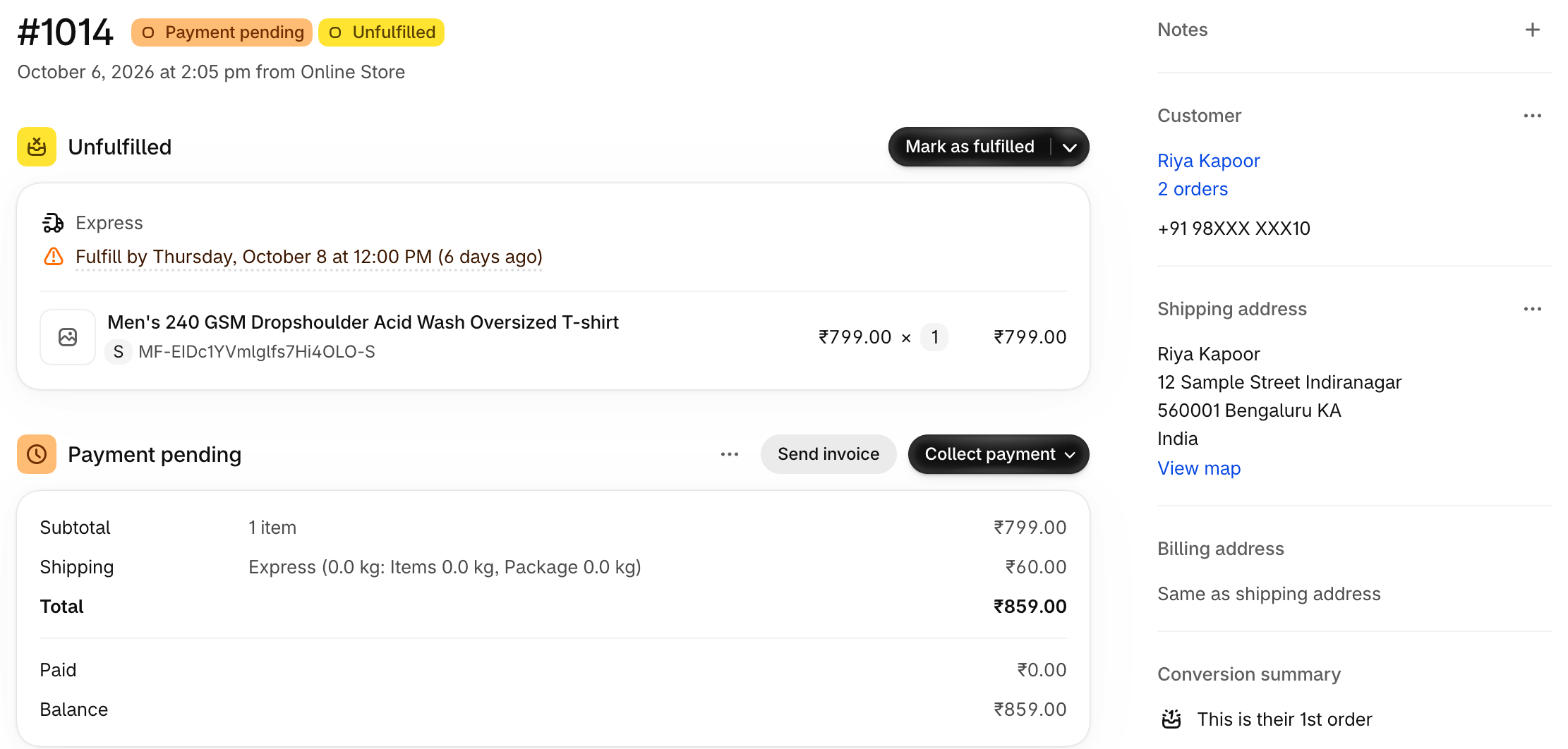
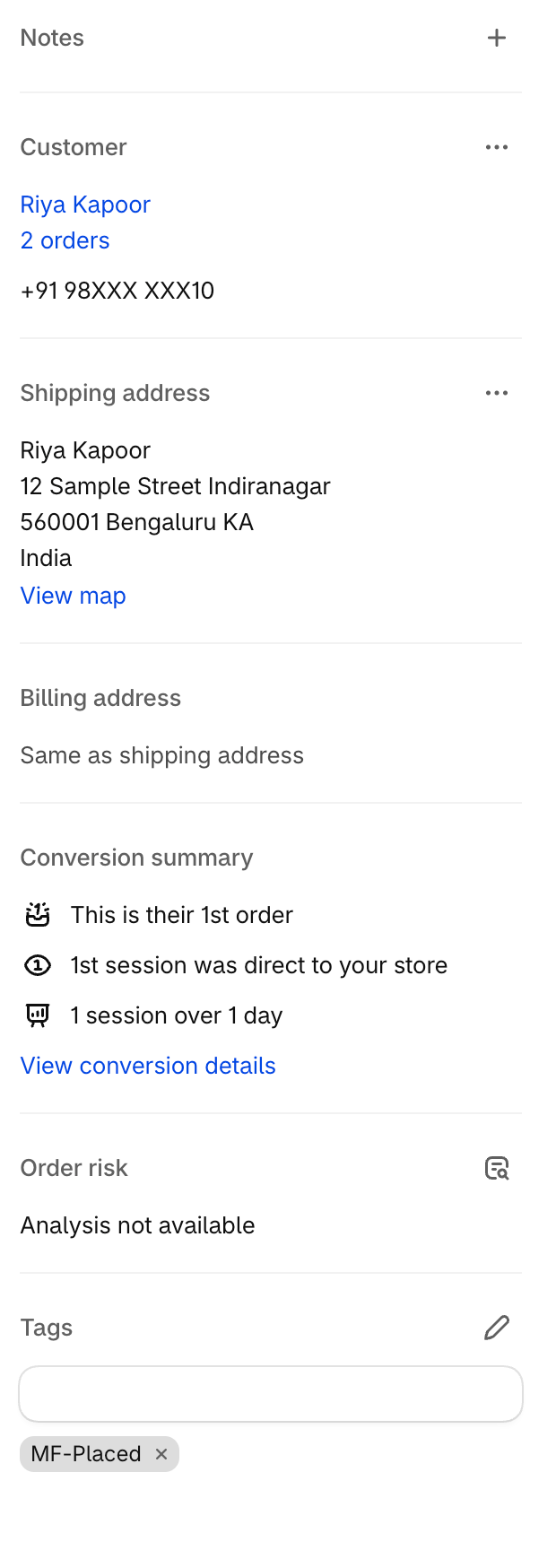
4. See it on Shopify. The moment an order is placed, Merch Factory tags it MF-Placed in Shopify. When it ships, Shopify gets the tracking number and the order becomes Fulfilled with an MF-Shipped tag.
What protects you
No duplicates. One Shopify order reference can only ever produce one draft and one order, even if Claude repeats the request.
Merch Factory sets the price. Product prices and the courier charge are worked out by Merch Factory. A figure typed into a prompt is never used.
Print quality is checked. Artwork below 250 DPI at its printed size is refused when the order is prepared.
Limits cap the damage. Largest order, orders and spend per day and a wallet floor apply to every order Claude places. Anything beyond them waits for you.
You can stop it. Pause changes from connected apps with one switch, and read the activity log whenever you like.
Start small
For the first week leave automatic ordering off and place the drafts yourself. Compare each draft with the Shopify order. When they match consistently, switch ordering on with tight limits, for example a low per-order value and a handful of orders per day, and raise them as you gain confidence.
When not to use Claude for an order
Orders that need a customer conversation, unusual designs or a courier the quote does not offer are better placed by hand. The connector refuses what it cannot check, but your judgement is the best safeguard for the edge cases.
Common Questions (FAQ)
Automate Your Brand with Merch Factory
Ready to move from research to action? Connect your online store in under 15 minutes and automate your entire fulfillment process.
Related Guides
How to Start a Clothing Brand in India (2026 Ultimate Guide)
Thinking of launching your own apparel line? This guide covers everything from legal registration to choosing Merch Factory as your 100% automated POD partner.
Read guideT-shirt Printing Cost in India 2026: Full Price Breakdown [DTF, Screen, Fabric]
T-shirt printing in India starts from ₹79/print (DTF). We reveal the full 2026 cost breakdown — 220 GSM vs 240 GSM blanks, screen vs DTF, RTO losses, COD fees & real profit margins. Updated June 2026.
Read guide